Outfield System Requirements
Official Steam PC specs, storage, and audio setup before launch day.
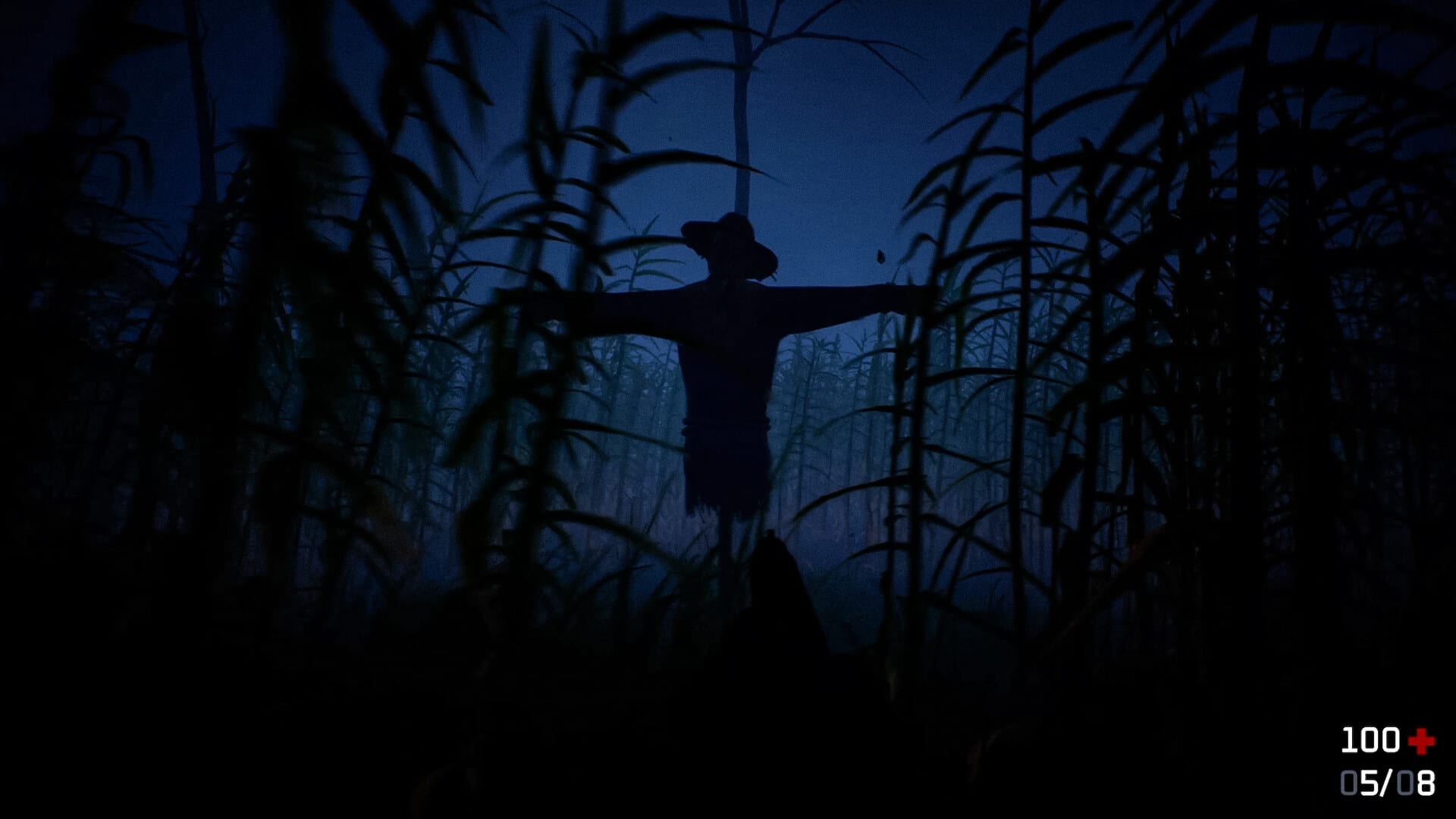
Outfield is a Windows-only survival horror roguelite where sound detection is a core mechanic, not a bonus feature. Before you wishlist or buy on July 29, 2026, confirm your PC meets the official Steam requirements and that your audio setup can deliver footstep cues clearly. This guide mirrors the store listing for App ID 2210220, explains what each spec means for tall-grass performance, and links to wiki pages that help on day one.
Specs can change before or shortly after launch. If Mathis Debaussart updates the store page, we revise this guide and note the change on Release Date and Patch Notes.
Official minimum requirements (Steam)
These are the minimum requirements published on the Outfield Steam store page as of late July 2026:
| Component | Minimum |
|---|---|
| OS | Windows 7 / 8 / 10 / 11, 64-bit (Steam client supports Windows 10+ from 2024 onward) |
| Processor | Intel i5 or newer-gen i3 / AMD equivalent |
| Memory | 16 GB RAM |
| Graphics | NVIDIA GeForce GTX 1060 6GB |
| DirectX | Version 11 |
| Storage | 6 GB available space |
| Notes | Graphics settings are included to help lower-end devices |
The 6 GB storage figure applies to both minimum and recommended blocks on Steam. Leave extra free space for day-one patches—indie horror launches often ship hotfixes within the first week documented on Patch Notes.
Official recommended requirements (Steam)
| Component | Recommended |
|---|---|
| OS | Windows 7 / 8 / 10 / 11, 64-bit |
| Processor | Intel i7 or AMD equivalent (AMD FX 9500+ Series) |
| Memory | Listed as 16 MB RAM on Steam — almost certainly a store typo; treat 16 GB RAM as the intended target, matching minimum |
| Graphics | NVIDIA GTX 1660 Super |
| DirectX | Version 11 |
| Storage | 6 GB available space |
If your rig sits between minimum and recommended GPU tiers, expect to lean on in-game graphics options rather than max settings. Store copy explicitly mentions scalability for weaker hardware.
Why specs matter for Outfield specifically
GPU and draw distance: Procedural tall grass can stress fill rate and overdraw. A GTX 1060 meets the listed floor, but dense fields at higher settings may cause stutter that indirectly hurts survival—you miss audio-visual tells when frames dip. Start on medium settings and raise only after a stable baseline run.
RAM at 16 GB: Horror roguelites loading unique maps each run benefit from headroom. Closing browser tabs and background capture tools before long sessions reduces hitching when weather or day/night transitions load new assets.
Storage speed: Six gigabytes fits easily on modern SSDs. Install on an SSD if possible; texture streaming and reload times after death feel snappier, which matters when you are iterating many short learning runs per hour.
Audio hardware — effectively required: Steam lists stereo sound support. Outfield’s hunter tracks player-generated noise. Laptop speakers often muddy directional cues. Use wired headphones, calibrate volumes using Audio Settings, and read Stealth and Sound before blaming deaths on “unfair AI.”
Pre-launch checklist tied to hardware
- Verify 64-bit Windows and update GPU drivers to a recent stable branch.
- Free at least 10 GB on the install drive for the 6 GB depot plus patch buffer.
- Test headphones with another game’s positional audio to confirm left/right channels work.
- Disable aggressive noise suppression on some chat apps if it runs globally—it can flatten footstep frequencies.
- Bookmark Launch Day Guide for unlock-hour steps and Getting Started for first-run routing.
Performance tuning expectations at launch
Mathis Debaussart is a solo developer publishing on Steam. Launch-week patches often target:
- Grass density pop-in or collision oddities in procedural maps.
- Audio mix balancing footstep volume against rain masking.
- Shader cost during night cycles when visibility drops.
None of those are guaranteed, but minimum-spec players should watch Patch Notes before assuming hardware is at fault. Community reports on the Steam forum help, yet verify fixes officially before updating personal tier assumptions.
Languages and input
Steam lists English and French interface support at launch. This wiki mirrors those locales. Input is standard FPS-style movement documented on Keybinds. No Steam Deck verification badge is listed pre-release; handheld play may work but is unconfirmed—treat as experimental until players report stable performance.
Platform scope
Outfield is Steam on Windows PC only in current listings. No console or macOS ports appear on the store page. Cloud streaming services may run the Windows build, but latency could undermine sound-reactive stealth; local installs are the recommended experience.
When your PC is below minimum
If you cannot reach GTX 1060-class performance or 16 GB RAM:
- Wait for post-launch performance patches before purchasing.
- Watch creator coverage after Release Date for real low-end tests.
- Avoid third-party “unlock” executables; they are unnecessary for a Steam title and pose security risks.
Steam refunds exist for eligible playtime if the game truly cannot run, but preparation saves frustration on launch night.
Related wiki pages
| Topic | Page |
|---|---|
| Launch hour steps | Launch Day Guide |
| Release timing | Release Date |
| Audio calibration | Audio Settings |
| Stealth fundamentals | Stealth and Sound |
| Official URLs and support email | Official Links |
Return to the Guides Hub for gameplay walkthroughs after your system is ready.
Frequently Asked Questions
Quick answers to the most common questions.
How much storage does Outfield need?
Steam lists 6 GB available space for both minimum and recommended requirements. Keep extra free space for launch patches.
Is 16 MB RAM on the recommended spec a mistake?
Yes, that is almost certainly a Steam listing typo. Minimum already asks for 16 GB RAM; plan for 16 GB until the store page is corrected.
Can I play Outfield without headphones?
You can, but headphones are strongly recommended because the enemy hunts by sound and directional audio cues matter.
Does Outfield support macOS or Linux?
Only Windows is listed on Steam at launch. Other platforms have not been announced.
Will this page update if specs change?
Yes. We sync with the official Steam store page and note changes on Release Date and Patch Notes when relevant.